YouVyron Keyboard
لوحة مفاتيح عربية وإنجليزية فيها ذكاء اصطناعي. اكتب كالمعتاد، وعند الحاجة صحّح أو أعد الصياغة أو ترجم أو ردّ بلمسة واحدة، باللهجة التي تختارها.
Android: قريبًا.
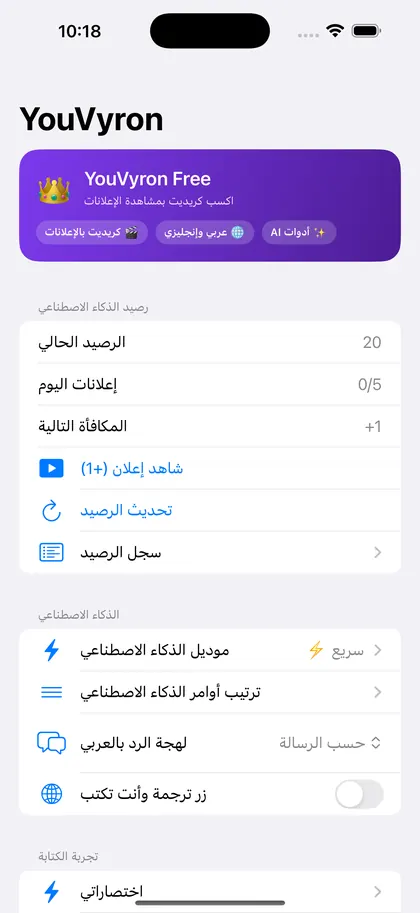
ماذا تقدّم لوحة المفاتيح؟
ذكاء يفهم لهجتك
تصحيح وتحسين وإعادة صياغة وترجمة بلمسة، بالمصرية أو الخليجية أو السعودية أو الشامية أو الفصحى.
ثلاثة ردود جاهزة
انسخ رسالة، واحصل على ثلاثة ردود معًا: ودّي ورسمي وحازم.
كتابة أسرع
توقّع للكلمات العربية والإنجليزية، وتصحيح تلقائي، واختصارات خاصة بك لعنوانك وبريدك.
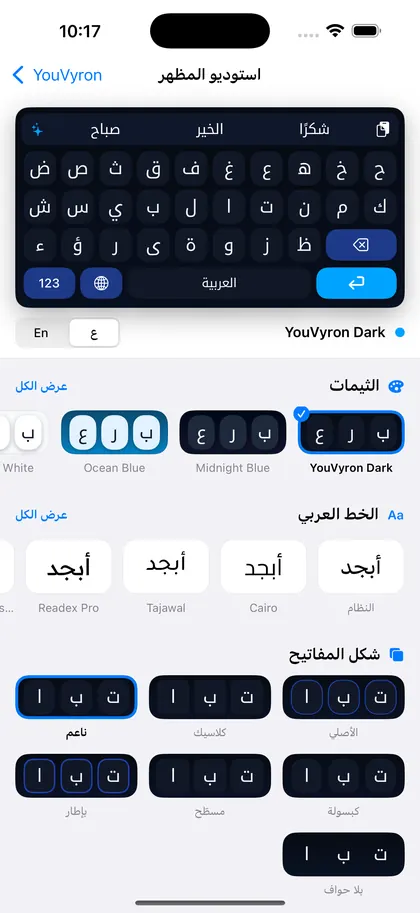
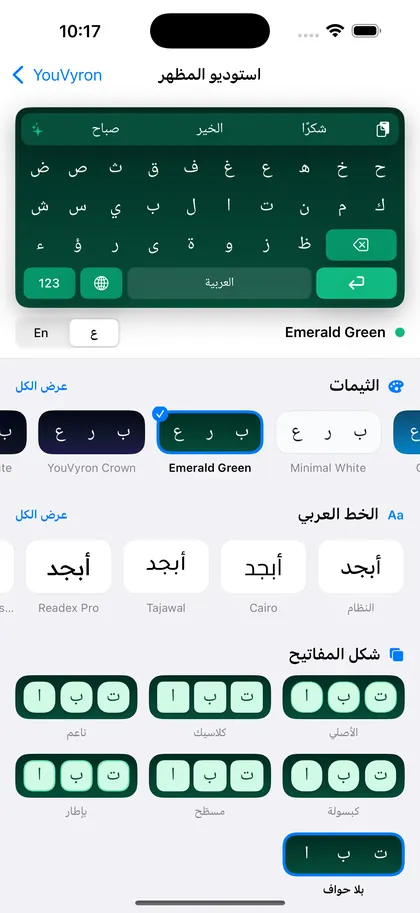
استوديو المظهر
ثيمات و12 خطًا عربيًا وإنجليزيًا وأشكال أزرار، مع معاينة مباشرة.
على Windows أيضًا
حدّد نصًا في أي برنامج، واضغط Ctrl+Alt+Z، ويرجع النص بعد معالجته مكان ما حددته.
خصوصيتك
الكتابة العادية والاقتراحات تعمل على جهازك. يُرسل إلى خادمنا فقط النص الذي تختاره لميزات الذكاء الاصطناعي.
أسئلة شائعة
كيف أفعّل لوحة المفاتيح على iPhone؟
الإعدادات ← عام ← لوحة المفاتيح ← لوحات المفاتيح ← إضافة لوحة مفاتيح جديدة ← YouVyron.
لماذا تطلب «السماح بالوصول الكامل»؟
مميزات الذكاء الاصطناعي (التصحيح والترجمة والردود) تحتاج إلى الإنترنت لإرسال النص الذي تختاره إلى خادمنا. الكتابة العادية والاقتراحات تعمل بدون الوصول الكامل، ولا نجمع ما تكتبه.
لوحة المفاتيح تختفي في خانة كلمة السر؟
هذا سلوك نظام iOS نفسه مع كل لوحات المفاتيح الخارجية، وترجع تلقائيًا بعد الخروج من الخانة.
كيف أحذف بياناتي؟
راسلنا من نفس البريد وسنحذف بيانات جهازك خلال 30 يومًا، كما هو موضح في سياسة الخصوصية.
YouVyron Keyboard
A bilingual Arabic and English keyboard with AI built in. Type as usual, and when you need help, one tap fixes, rewrites, translates or replies, in the Arabic dialect you choose.
Android: coming soon.
What does the keyboard do?
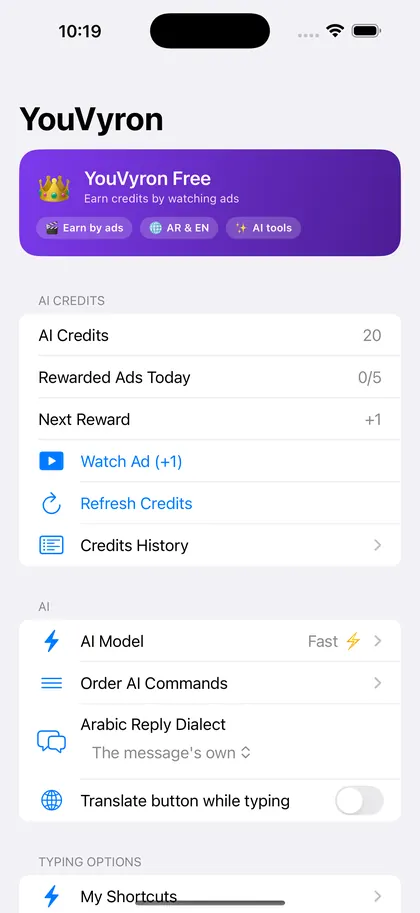
AI that understands your dialect
Fix, improve, rephrase or translate in one tap, in Egyptian, Gulf, Saudi, Levantine or Standard Arabic.
Three ready replies
Copy a message and get three replies at once: friendly, formal and firm.
Faster typing
Arabic and English prediction, auto-correction, and your own shortcuts for your address and email.
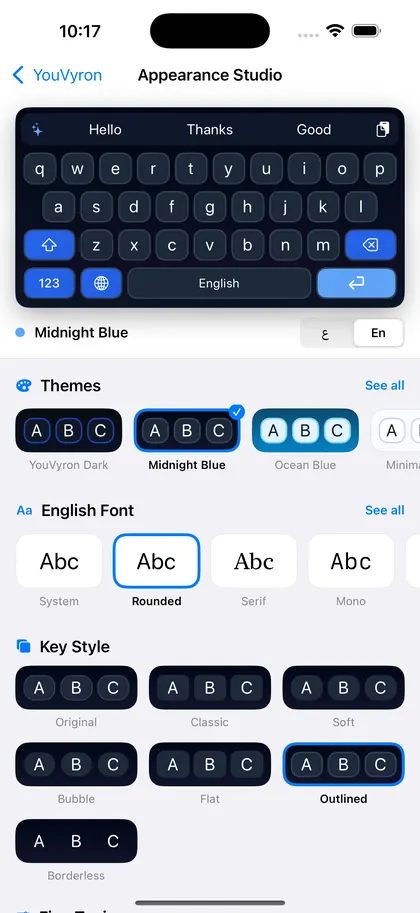
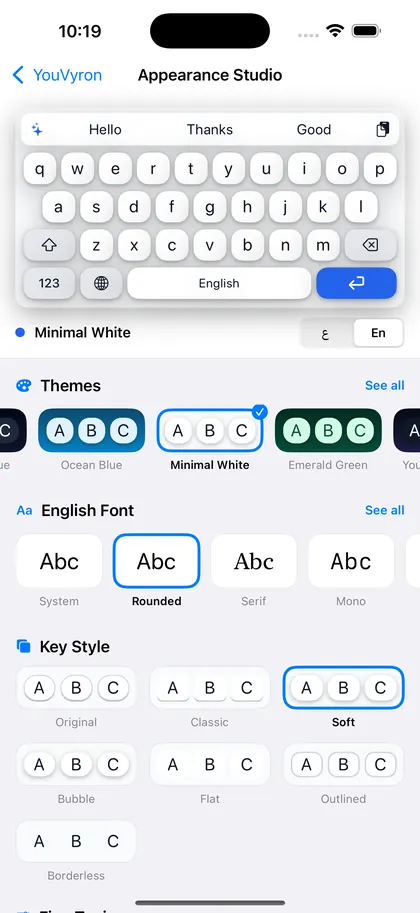
Appearance Studio
Themes, 12 Arabic and English fonts and key styles, with a live preview.
On Windows too
Select text in any program, press Ctrl+Alt+Z, and the result comes back in place of your selection.
Your privacy
Typing and suggestions work on your device. Only the text you choose for an AI feature goes to our server.
Common questions
How do I enable the keyboard on iPhone?
Settings → General → Keyboard → Keyboards → Add New Keyboard → YouVyron.
Why does it ask for Full Access?
The AI features (fix, translate, reply) need the internet to send the text you choose to our server. Typing and suggestions work without Full Access, and we do not collect what you type.
The keyboard disappears in password fields?
That is iOS itself, for every third-party keyboard. It comes back once you leave the field.
How do I delete my data?
Email us from the same address and we delete your device's data within 30 days, as described in the privacy policy.
Support and contact
Questions, problems or ideas: email us. We usually reply within two working days.
support@youvyron.com