Elamir Stream Player
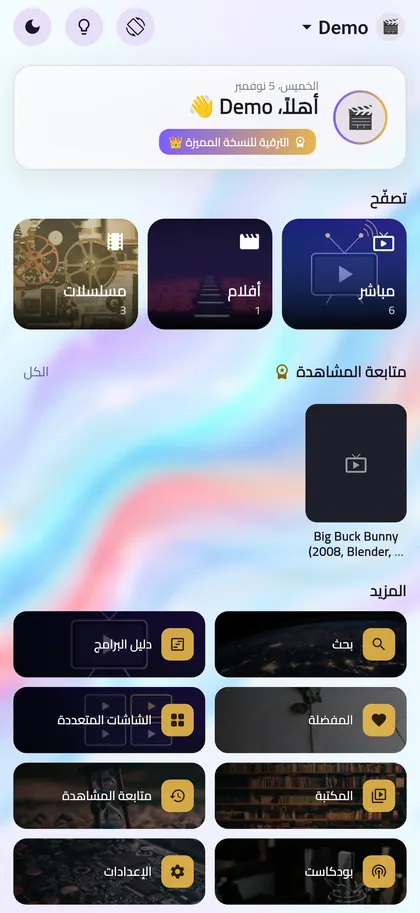
مشغّل سريع وبسيط لاشتراك IPTV الذي لديك بالفعل. أضف بيانات Xtream Codes أو رابط قائمة M3U، وشاهد قنواتك وأفلامك ومسلسلاتك مع دليل برامج كامل، بالعربية أو الإنجليزية.
iPhone و iPad: قريبًا.
مشغّل فقط: لا يتضمن التطبيق أي قنوات أو أفلام أو مسلسلات أو اشتراكات، ولا يبيعها ولا يوفّرها، ولا تأتي معه أي قوائم. تحتاج إلى قائمة من مزوّد يحق لك استخدامه.
ماذا يقدّم التطبيق؟
قوائمك أنت
Xtream Codes و M3U و M3U8، مع أكثر من قائمة وأكثر من ملف شخصي.
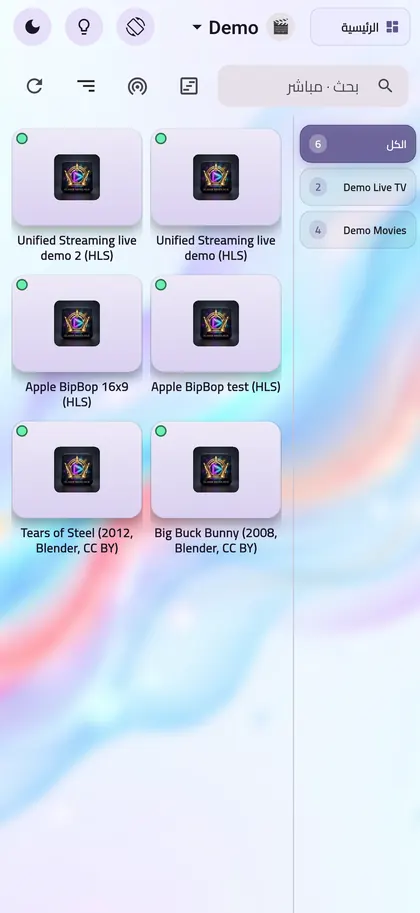
بث مباشر ودليل برامج
«الآن والتالي» وشبكة دليل برامج كاملة، وCatch-up إذا كان مزوّدك يدعمه.
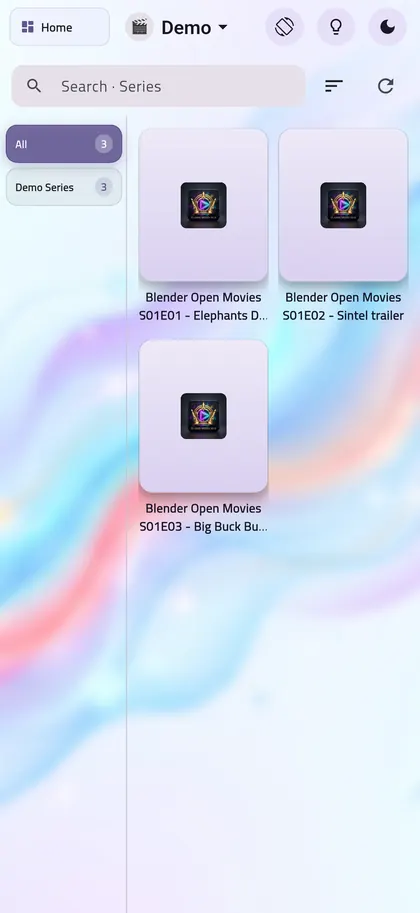
أفلام ومسلسلات
صفحة تفاصيل ومواسم وحلقات، مع ترتيب وصفوف اقتراحات.
مصنوع لـ Android TV
كل زر يعمل بريموت التلفزيون، ويمكنك الإعداد من هاتفك بمسح رمز QR.
بحث يفهم العربية
بحث سريع يفهم طرق كتابة الكلمات العربية، مع نتائج مجمّعة وآخر عمليات البحث.
عربي وإنجليزي
التطبيق كله باللغتين، على الهاتف والتابلت والتلفزيون والكمبيوتر.
أسئلة شائعة
هل يأتي التطبيق بقنوات؟
لا. هو مشغّل فقط، والقنوات والأفلام تأتي من القائمة التي تحصل عليها من مزوّدك.
كيف أضيف قائمتي؟
اضغط Add Playlist، واختر Xtream Codes أو M3U، ثم أدخل البيانات التي أعطاها لك مزوّدك.
قناة لا تعمل، ماذا أفعل؟
التطبيق يشغّل ما يرسله مزوّدك، فتأكد أولًا من أن القناة تعمل عنده. إذا استمرت المشكلة، أرسل لنا تقريرًا من الإعدادات، ثم المساعدة، ثم تقرير التشخيص، ويمكنك مراجعته قبل إرساله.
كيف أحذف حسابي؟
إذا كنت قد أنشأت حسابًا: الإعدادات، ثم الحساب والمزامنة، ثم حذف الحساب. أو راسلنا. التفاصيل
الدعم والتواصل
لأي سؤال أو مشكلة أو طلب حذف حساب، راسلنا. نرد عادةً خلال يومي عمل.
support@youvyron.com
Elamir Stream Player
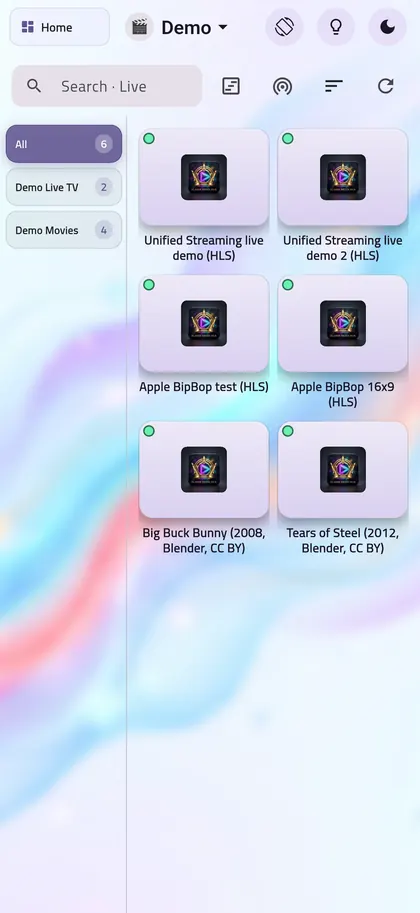
A fast, clean player for the IPTV subscription you already have. Add your Xtream Codes login or an M3U playlist link and watch your live channels, movies and series with a full TV guide, in English or Arabic.
iPhone and iPad: coming soon.
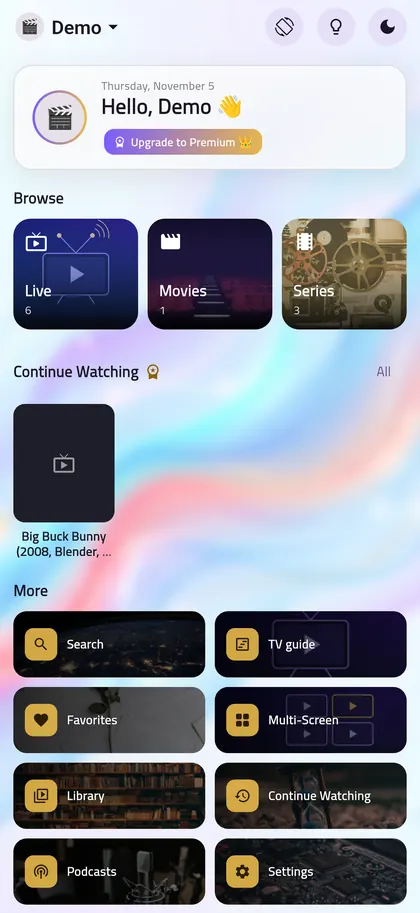
Player only: the app does not include, sell or provide any channels, films, series or subscriptions, and it comes with no playlists. You need your own playlist from a provider you have the right to use.
What does the app do?
Your own playlists
Xtream Codes, M3U and M3U8, with several playlists and profiles.
Live TV with a TV guide
Now and next, a full guide grid, and catch-up when your provider supports it.
Movies and series
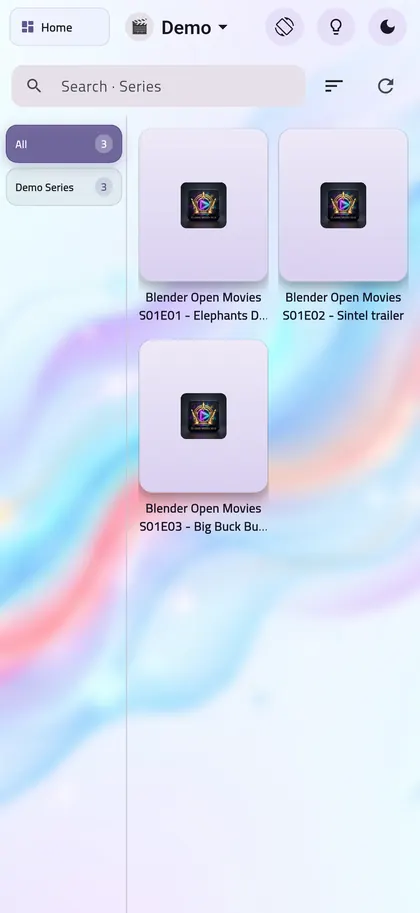
Details pages, seasons and episodes, with sorting and discovery rows.
Built for Android TV
Every button works with the TV remote, and you can set up from your phone by scanning a QR code.
Search that understands Arabic
Fast search that handles Arabic spelling, with grouped results and recent searches.
Arabic and English
The whole app in both languages, on phone, tablet, TV and computer.
Common questions
Does the app come with channels?
No. It is a player only. Channels and movies come from the playlist you get from your provider.
How do I add my playlist?
Tap Add Playlist, choose Xtream Codes or M3U, then enter the details your provider gave you.
A channel will not play. What should I do?
The app plays what your provider sends, so first check that the channel works with them. If the problem stays, send us a report from Settings, then Help, then Diagnostics report. You can review it before sending.
How do I delete my account?
If you created an account: Settings, then Account & sync, then Delete account. Or email us. Details
Support and contact
Questions, problems or an account deletion request: email us. We usually reply within two working days.
support@youvyron.comPrivacy
Each version of the app has its own policy: